
SolidWorks · ASME Y14.5 · STEP
Your CAD. Drafter. Integrated.
Streamline your drawing workflow with parametric associativity between your 3D models and 2D automated drawings. Your team can be up and running in under an hour.
Seamlessly integrated in your SolidWorks.
Drafter’s plugin lives where you work, ensuring every tolerance stays in sync from model to manufacturing.

 SolidWorksCRANK ASSEMBLY.SLDASM
 Drafter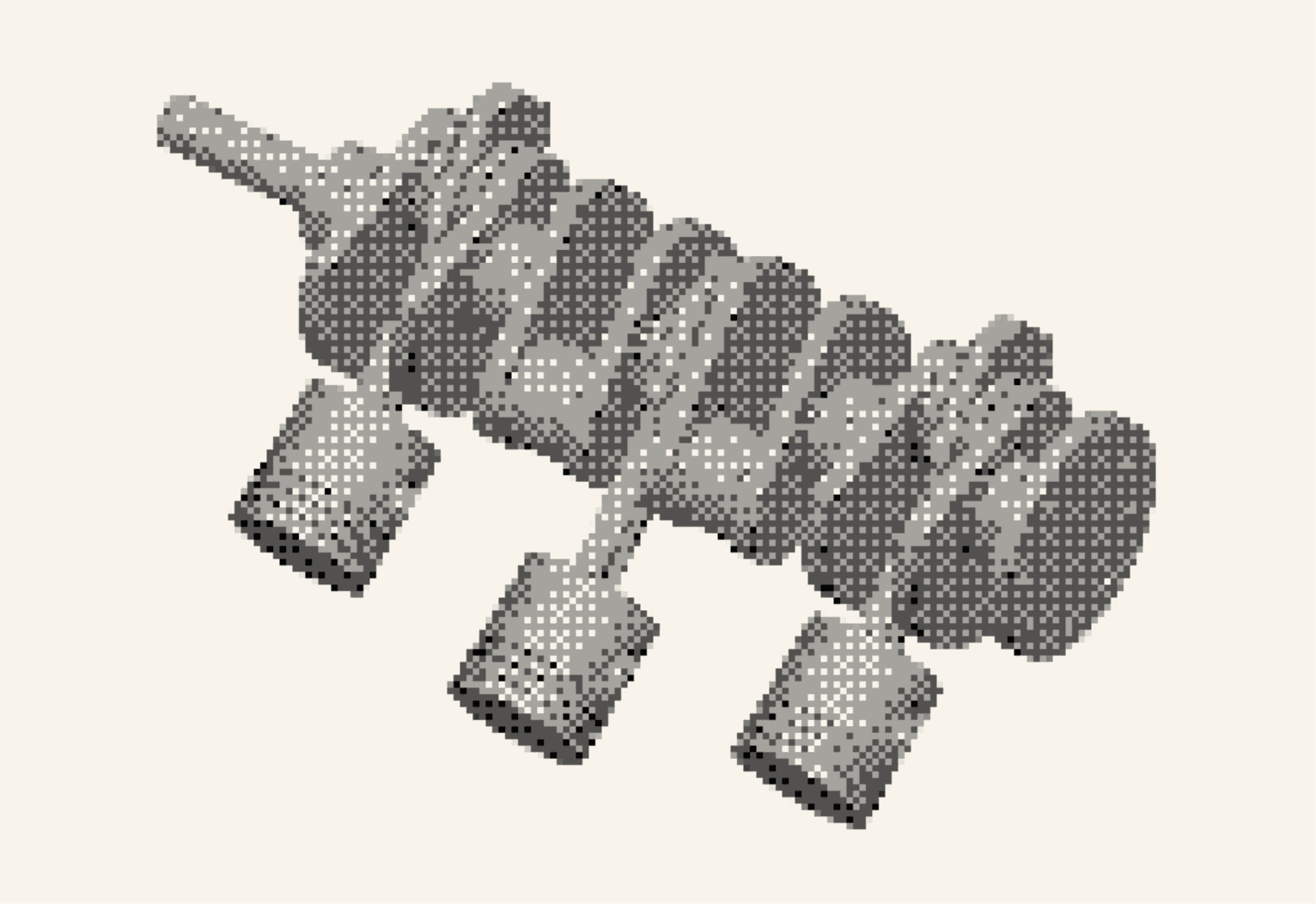
 PPeter
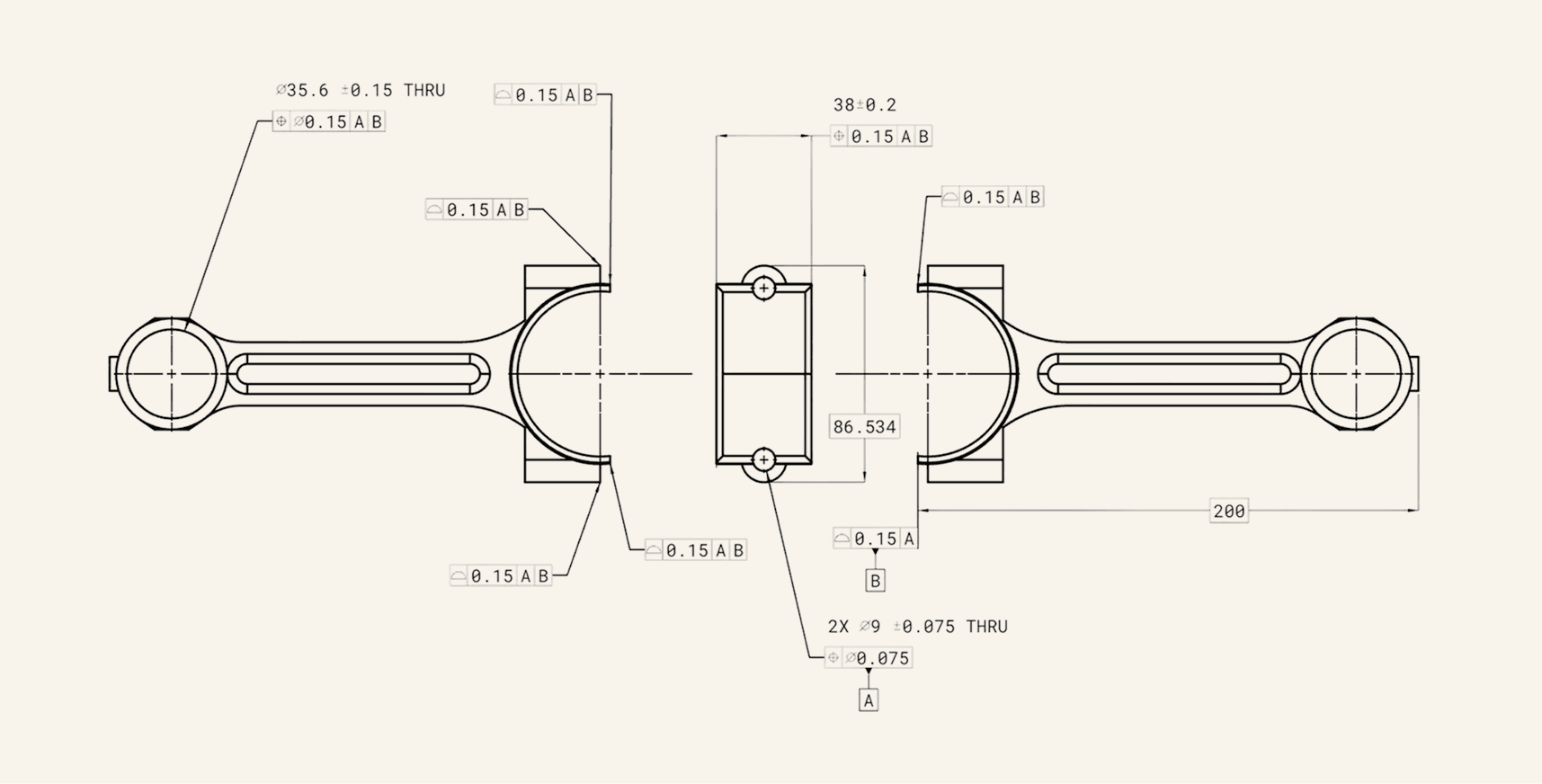
Select a drawing from your Drafter library to import to SolidWorks.
 SolidWorks · Drafter add-in
 SolidWorks
- Imported drawing
- Placed GD&T callouts
- Applied MBD
Drawings in minutes, right where you need them.
With bi-directional sync between Drafter and SolidWorks, your models and drawings stay linked, keeping everything connected.
SolidWorks drawings done in just 4 minutes.
Drafter keeps everything linked on all ends: changes in CAD instantly reflect in your drawings, and edits in Drafter stay synced with your 3D models for truly seamless, bidirectional navigation.
Send from your CAD
Push the model straight from SolidWorks or NX. No export, no file shuffling, no leaving the window you are already in.
Drafter drafts the sheet
Tolerances, datums and callouts land on a standardized ASME Y14.5-2018 drawing for every part.
It comes back linked
The drawing returns to your CAD as a live link. Change the model and the drawing follows; edit in Drafter and the model stays in step.
Not on SolidWorks?
Drafter also runs natively inside Siemens NX, with Teamcenter support for PLM teams, and reads STEP as a fallback. Not there yet? Tell us and it goes on our build list.