
Assembly
From assembly to production-ready drawings.
Drafter reads your model, proposes the tolerances and datums that matter, and returns a standardized ASME Y14.5-2018 drawing for every part.

Every sheet comes out complete.
Drafter returns the whole drawing: views laid out, features toleranced against a consistent datum scheme, notes and revision history in place, and a filled title block carrying the material, finish, and standard.
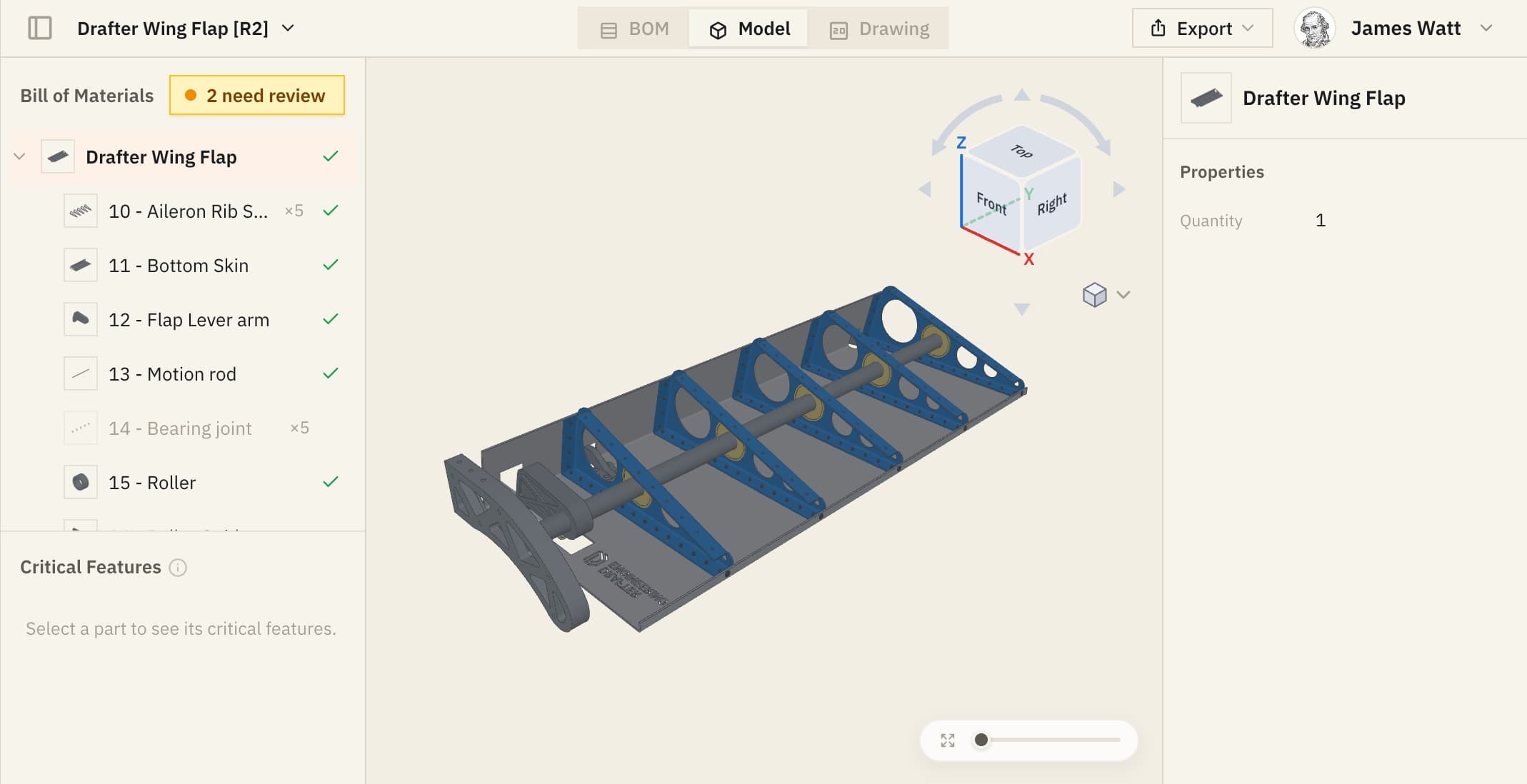
You set the datums before anything is drawn.
Drafter reads how a part sits in the assembly and proposes the datums and critical features that should carry a tolerance. Then it hands you the list. Add a feature, drop one, set a different datum, and the next drawing is built to your call. You keep control of the design intent, and nothing reaches the sheet until you save.
See it on your own parts
Critical features


Capabilities
What Drafter handles.
Feature recognition
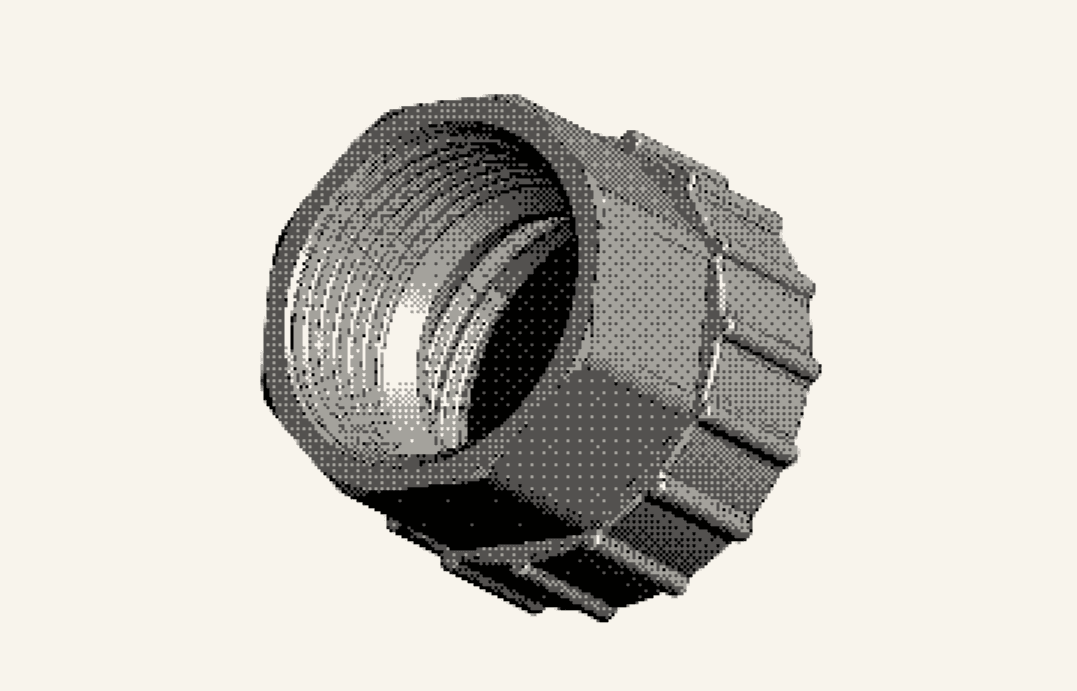
Drafter reads the solid model, not a picture of it. Holes, pockets, bosses, threads, and patterns come through as features, each with its own tolerancing implications.
Tolerances and datums
Datums come from the geometry and the intent you set. Tolerances are recommended from the assembly context, the manufacturing process and the calculation behind them.
ASME Y14.5-2018
Feature control frames, datum references, and callouts follow the 2018 rule set on every sheet, so a drawing does not change character with whoever produced it, whether that is a GD&T expert or an engineer still learning it.

Native in your CAD
Drafter runs as an add-in inside SolidWorks and Siemens NX, with Teamcenter support for PLM teams, and reads STEP when you need it.



Revisions, re-run
Change the model and run it again. The drawing comes back updated instead of being re-detailed by hand, which is where most drafting time goes.
Model-based definition
Drafter can author GD&T live on the 3D model itself, not only the 2D sheet, for teams whose downstream processes read the model directly.
Built-in education
It tells you why the callout is there.
Keep this face square to datum A within 0.75 mm.
GD&T is easy to misread, and a callout nobody understands gets built wrong. Every tolerance Drafter applies comes with the reasoning behind it, and the same explanations are free in the Toolbox: charts, calculators, and a Redliner that reads any drawing.
Open the ToolboxSecurity
Your models never leave your workspace.
- Runs on
- AWS GovCloud
- Or
- Locally hosted
- Isolation
- Per workspace
- Access
- Enterprise controls
- Trained on
- Nothing
- Outbound
- None
Every workspace runs in isolated AWS GovCloud infrastructure with enterprise access controls. Your models, drawings, and design intent stay inside it: nothing is trained on, nothing is shared, and nothing goes out to a third party. Programs that require it can run Drafter as a locally hosted cloud deployment of their own instead.
How we keep your data secure
Your design intent, carried to the shop floor.
Drafter reads your model the way a manufacturing engineer would: which features are critical, which faces are datums, what each fit needs. It turns that into the tolerances, callouts and notes on every drawing, so the shop builds what you meant instead of guessing at it.
Read our missionDetailing in-house, outsourced, or with Drafter.
| Your engineers, in CAD | Outsourced detailing | Drafter | |
|---|---|---|---|
| Drawings back in minutes | No | No | Yes |
| ASME Y14.5-2018 GD&T on every part | No | No | Yes |
| Engineers freed from detailing | No | Yes | Yes |
| Revisions handled in minutes | No | No | Yes |
| IP stays inside your walls | Yes | No | Yes |
| Scales without added headcount | No | No | Yes |
The rest of Drafter
Four more products, on the same models.
Blueprints
Set up a part you draw constantly once, then get its drawing back on one click from inside your CAD, already the way your shop expects it.
See BlueprintsNotes
Your standard notes, plus the ones this part needs for its material, its process and its features, placed as soon as the drawing exists.
See NotesMBD
Model-based definition from the same read of the geometry: tolerances on the faces they control, for teams whose shop and inspectors work from the model.
See MBDRedliner
Upload any drawing, ours or a supplier's, and get it checked against ASME Y14.5 and what the floor actually needs, with the rule behind every finding.
See the RedlinerRead how a three-person team at Spaceium built space hardware faster