

Imagery.
Every picture on this site is prepared for where it prints. A photograph is treated for the stock it lands on, a diagram sits on vellum, and nothing arrives as a white rectangle on paper. Most of that work happens once, when the file is prepared, so a page only has to place it.
Playground.
The ground under a product mock: a dithered print or the live field, on either stock. Each combination says whether it is right.
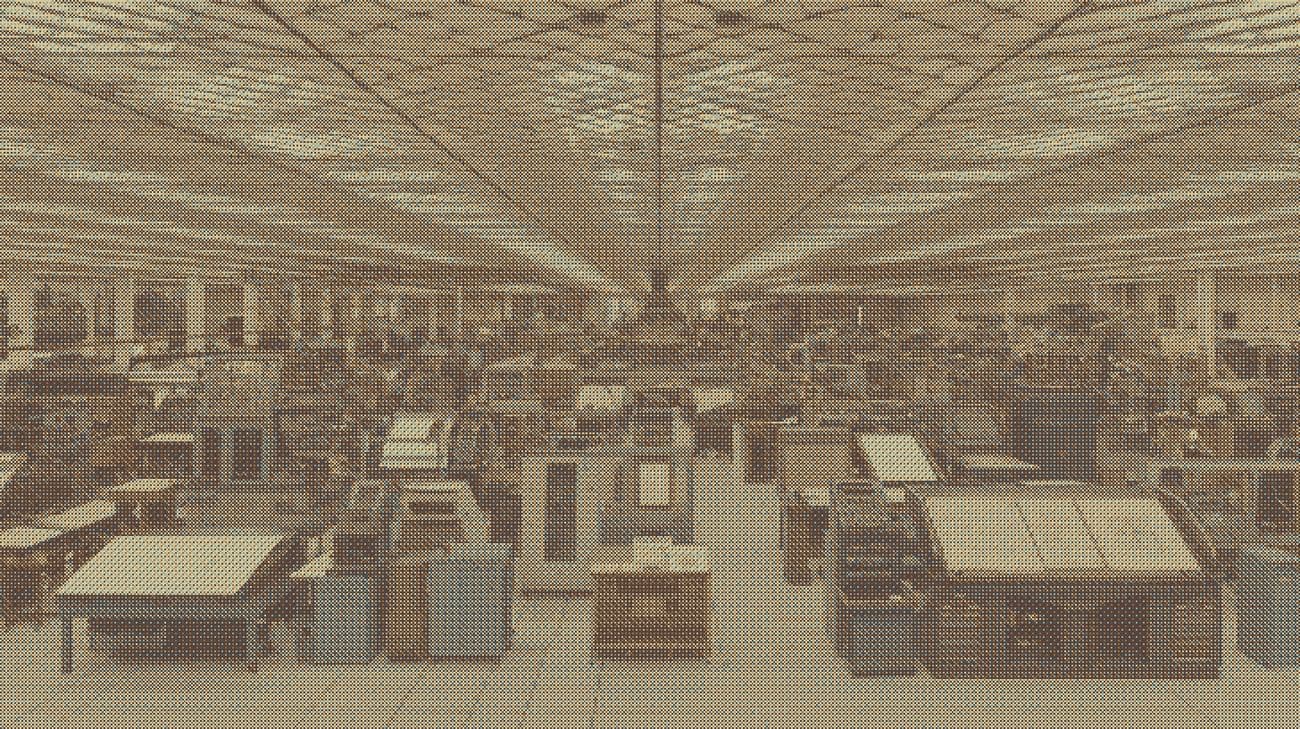
Right. A photograph dithered at prep time is a print, and it was printed for paper: the panel shows a world.
<ContainerOne
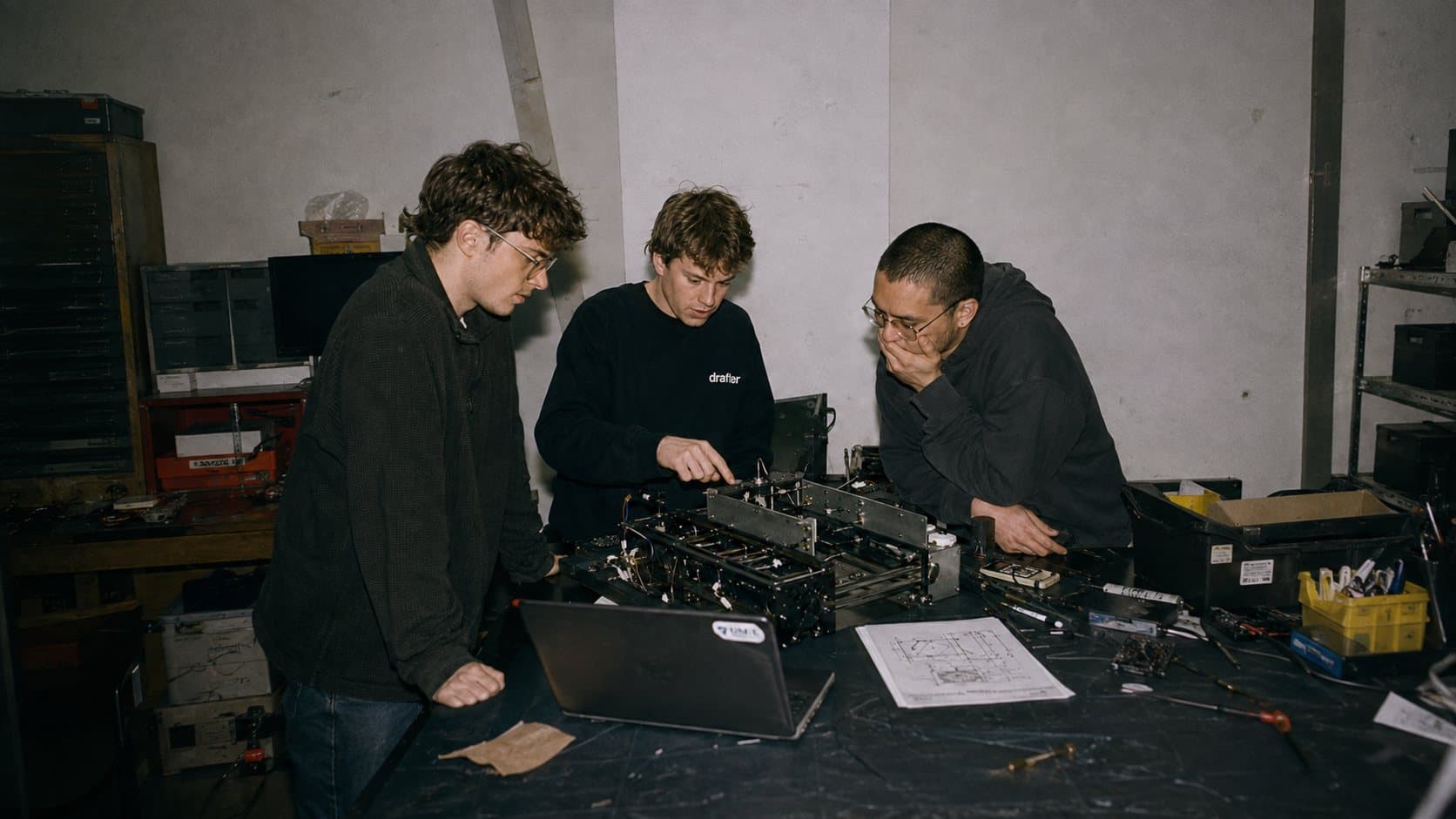
  src="/site/backgrounds/machine-shop.jpg"
  mock={<IntegrationRoundTrip />}
  heading="Your CAD. Drafter. Integrated."
/>Six treatments.
Every picture on the site is one of these. Which one a picture gets depends on what it is for and which stock it prints on.
| Treatment | What it is | Where | Made by |
|---|---|---|---|
| Dithered print | A photograph screened to dots, one print per frame. The ground of every light-stock panel. | Container one on light pages; the homepage demo's backdrop | Arrives dithered; a lossless one is served unoptimized |
| Live dither | An ordered screen of a slow wave, drawn on a canvas and inked from the stock. | The closing band; panels on the industry pages; the defense masthead | ui/dither-flow.tsx |
| Masthead photograph | A frame of the reader's world, its exposure fixed at prep, under a measured scrim. | The industry pages, the shop | scripts/prep-energy-photography.py, prep-aerospace-photography.py |
| Duotone | A photograph printed in the sheet's own ink, a three-stop ramp from its black to its paper. | Archive and editorial frames on the shop | scripts/prep-shop-photography.py |
| Full color | Left as shot, in a hairline frame. People, now. | Careers, case studies, the shop's team | scripts/prep-careers-photography.py |
| Plate | Line art on a white field, its white multiplied into the vellum frame. | Blog figures: 74 of 101 | ui/site/figure.tsx |
The print library.
Six prints carry every light-stock panel, in public/site/backgrounds/. Reuse one before adding a seventh, and never print the same one twice on a page. dither-02 to dither-08 in the same folder are candidates nobody has placed yet.
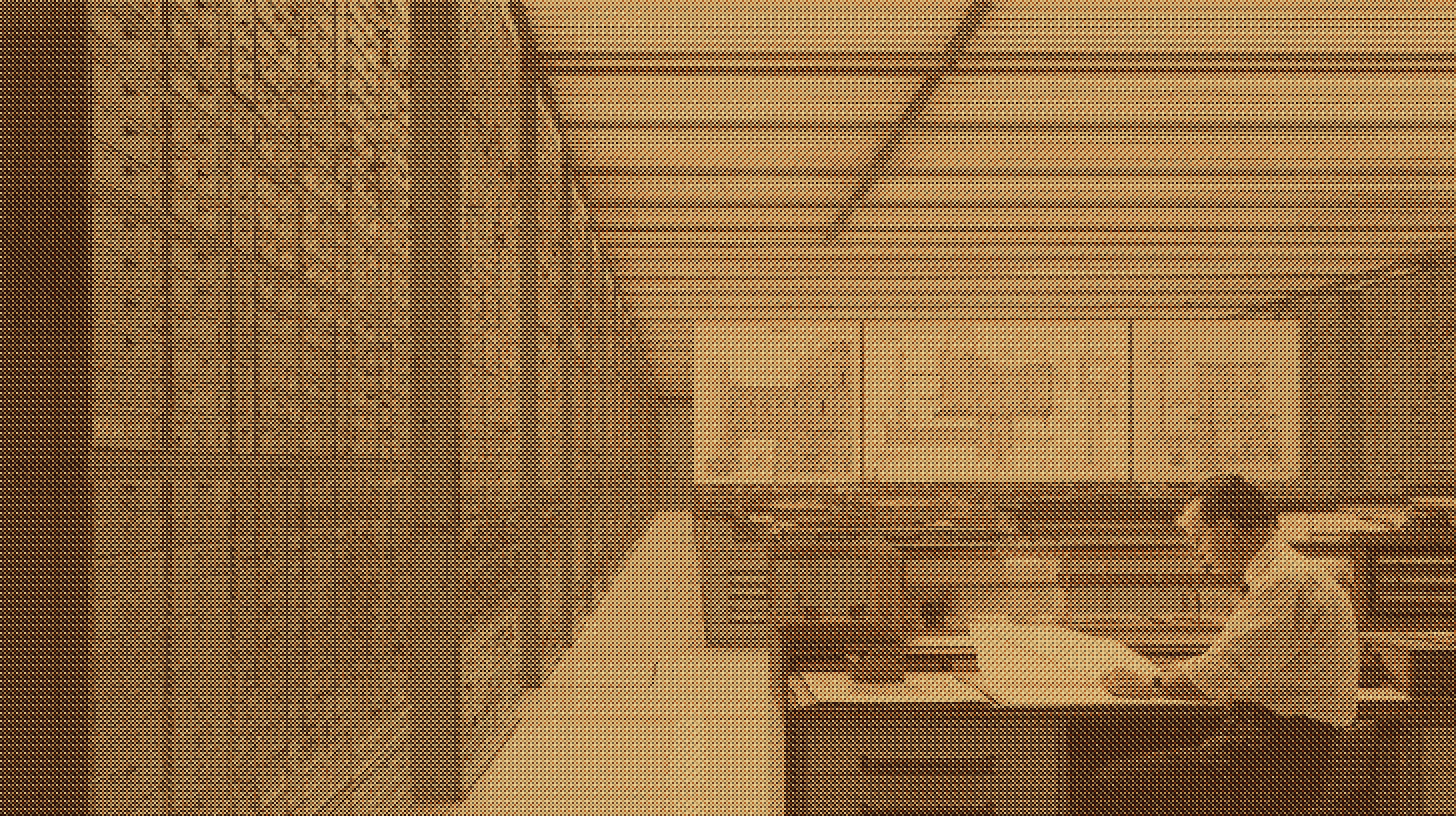
home /blueprints /siemens-nx-integration
home /product-features /redliner /notes /solidworks-integration /siemens-nx-integration /newsletter
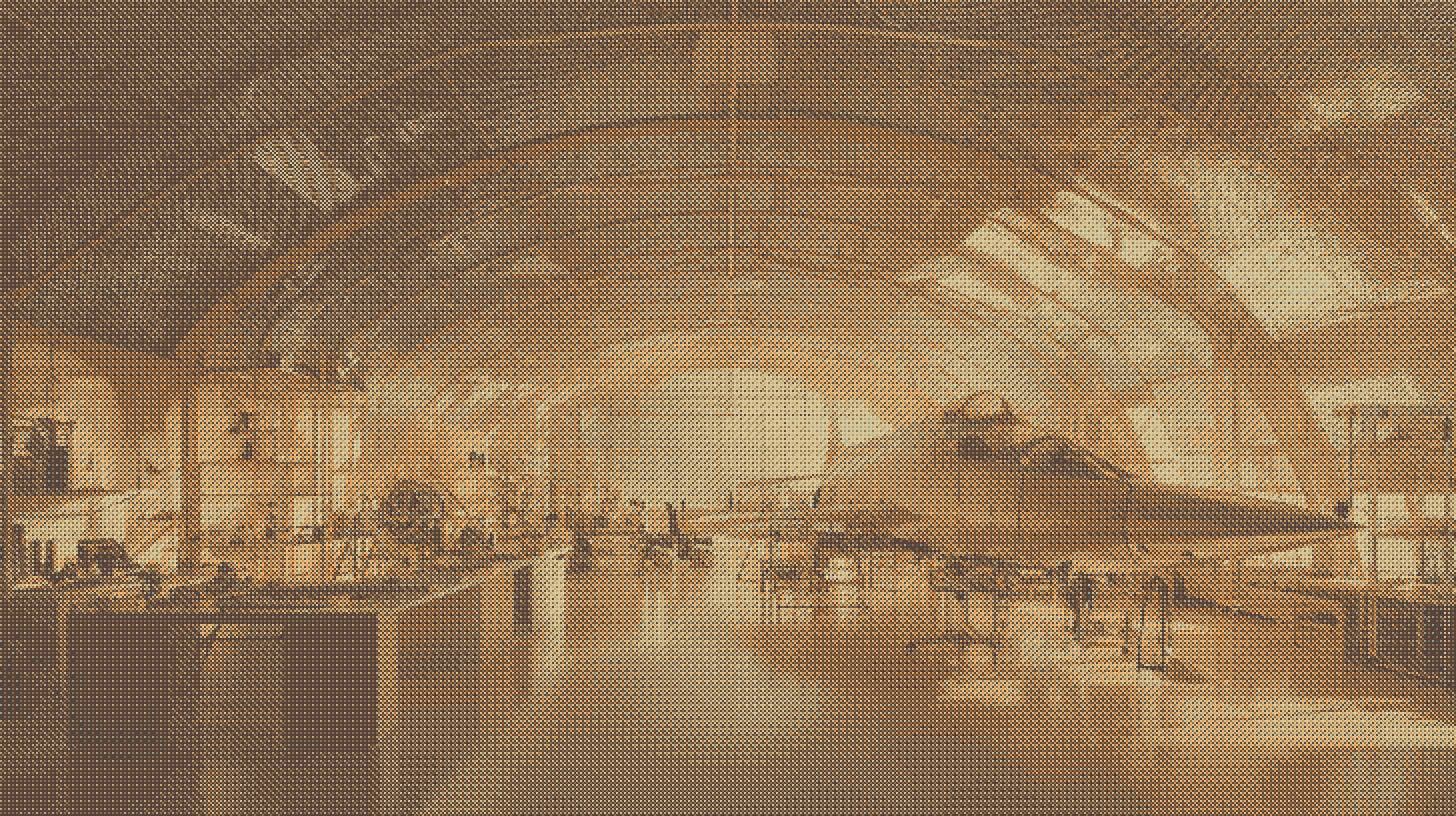
home /product-features /mbd
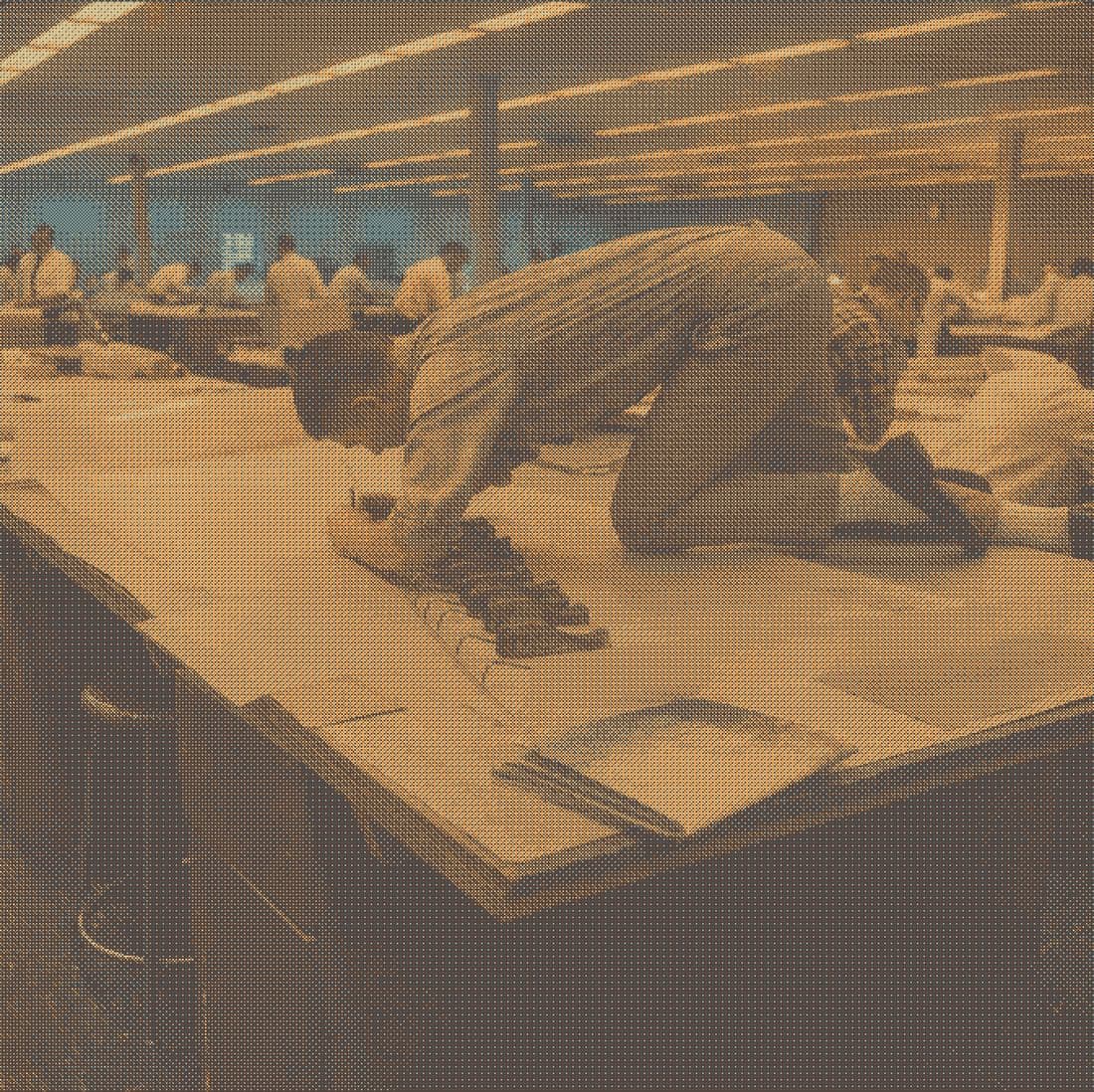
home /product-features /notes /solidworks-integration /siemens-nx-integration /newsletter
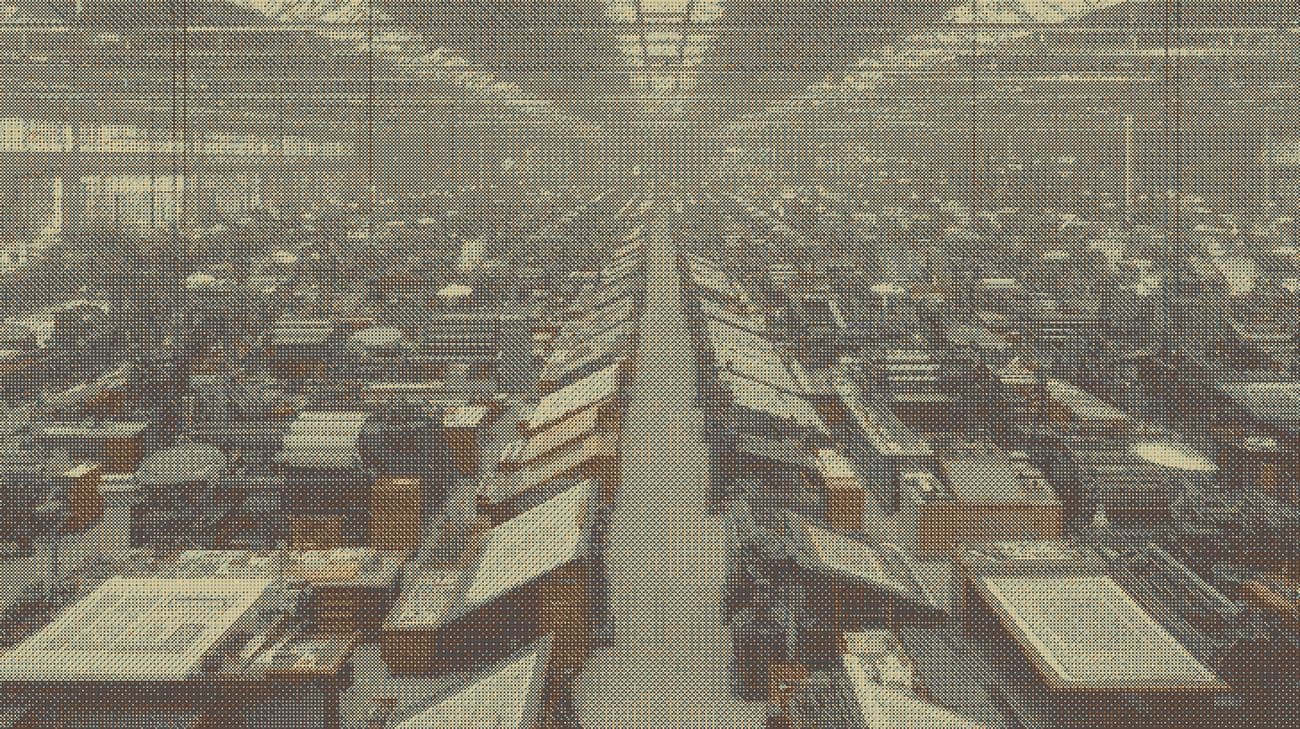
/blueprints /newsletter
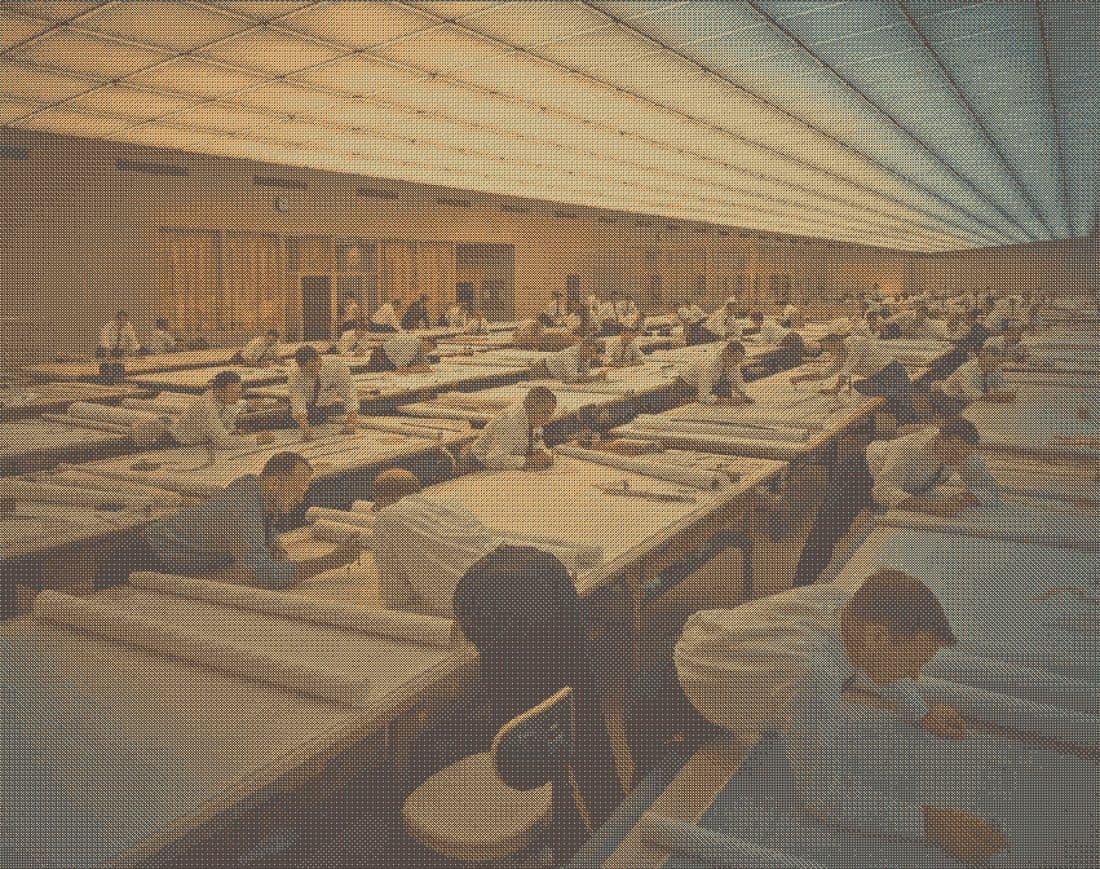
/product-features /redliner
Mastheads.
An industry page opens on a frame of its reader’s world. A product page opens on a title band instead, because the thing it is about is on the page a screen below and a photograph over the headline would be atmosphere in front of the evidence. Type on a photograph needs a scrim, and the scrim is the last step, not the first.
- Fix the exposure upstream. Lift the frame toward paper on light stock and dim it toward the ground on dark, in the prep script. A dim spends the loss evenly and reads as evening; a heavy ramp spends it in one corner and reads as a panel.
- Measure against the paragraph. The graphite body copy sets the floor, not the headline: 4.5:1 at its worst pixel, at desktop, tablet and phone widths.
- Leave about half a stop of headroom, no more. If the paragraph reads exactly as it would on bare paper, the scrim has become a rectangle of paper with a photograph round its edges. Back it off.
- A new color is a new measurement. A link or button that changes color over a photograph re-opens its scrim.
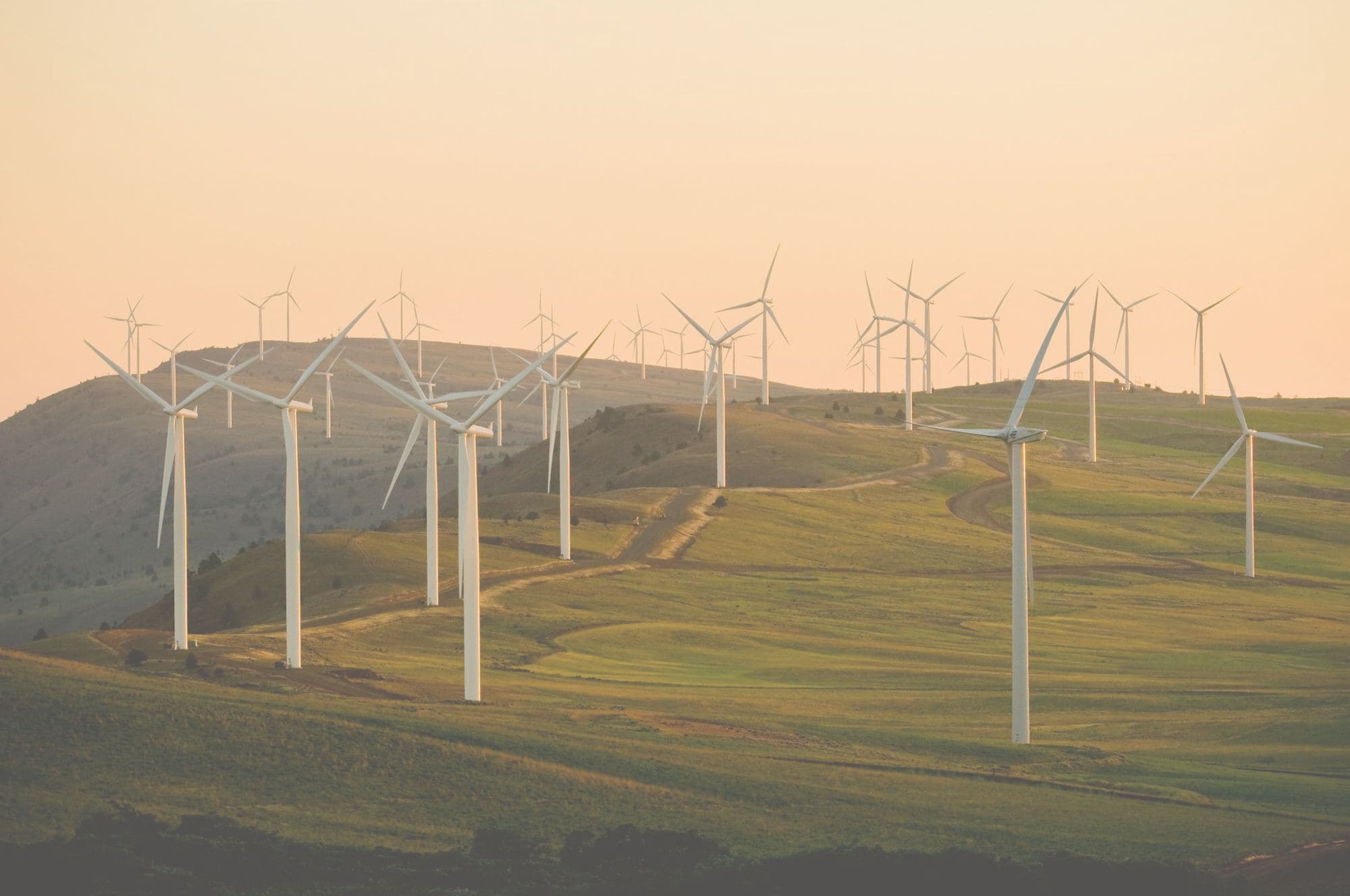
Energy
You were hired to build the first one.
Not to spend Thursday dimensioning it. Send the assembly from SolidWorks or Siemens NX and Drafter returns a fully dimensioned ASME Y14.5-2018 sheet for every part in it, with your title block and your tolerancing conventions, ready for you to check.
<Band className="relative min-h-[68vh] overflow-hidden border-x lg:min-h-[74vh]">
  <Image src="/site/energy/masthead-wind-farm.jpg" alt="..." fill priority sizes="100vw"
    className="object-cover object-[50%_42%]" />
  {/* Measured against the graphite paragraph: about half a stop over 4.5:1. */}
  <div className="absolute inset-0 lg:hidden" style={{ backgroundImage: NARROW_SCRIM }} />
  <div className="absolute inset-0 hidden lg:block" style={{ backgroundImage: WIDE_SCRIM }} />
  <div className="relative max-w-2xl">...</div>
</Band>Photographs on dark stock.
Two treatments, and which one a frame gets is a real distinction. Archive and editorial frames that are the page’s own voice are duotoned into the sheet’s ink, the way a press prints a photograph with one ink plus black, so the frame belongs to the page instead of punching a window through it. Frames that have to read as now, of real people, stay in full color. Both from the shop.
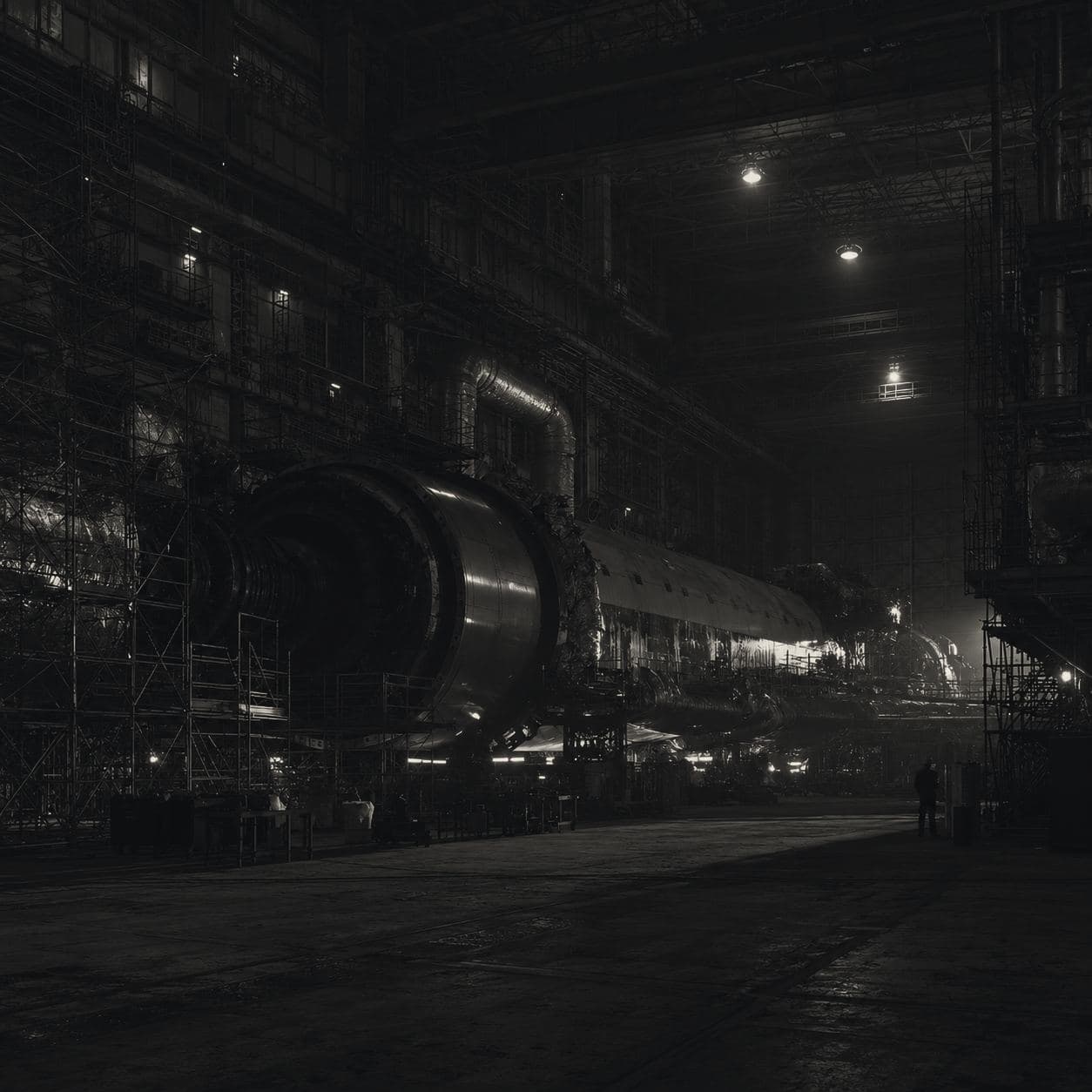
Diagrams on plates.
Most diagrams were drawn on white, and white is not this site’s paper. The blog’s converter measures each image’s four corners and marks the white-ground ones plate; Figure multiplies them into the vellum frame, so the white becomes the sheet and the linework stays. The hairline frame stays too: most of these carry their own drafting grid, and with no frame the grid becomes the figure’s only edge.
Every figure is numbered, FIG 1 up, per post, by the converter rather than the component. The number hangs in its own column, so every caption down a long article starts on one edge.
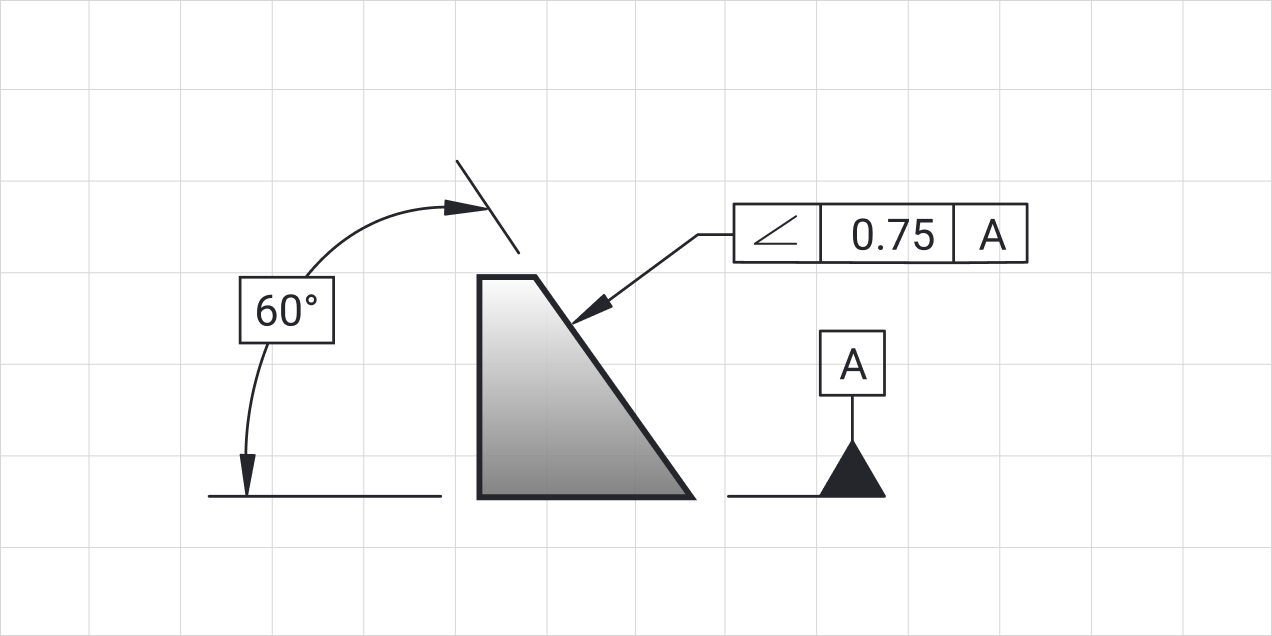
<Figure
  src="/site/blog/angularity/02-angularity-article-image-wide.png"
  width={1272} height={636}
  alt="A drawing of a wedge shaped part ..."
  index={2}
  plate
/>Other people's marks.
Customer wordmarks print gray at 55 percent, so no one brand outshouts the board, and only for customers we have worked with. They are dark files with no light cut, so a reversed page shows a quote’s attribution instead of its logo. A partner’s own mark (ASME, SolidWorks, Siemens) keeps its colors, because it is not ours to re-ink; a tile gives a row of them one size and one baseline.







Files.
- A new picture gets a new filename. The path is the image optimizer’s cache key, so a new photograph written over an old path leaves the old one in every browser and on the CDN. Put the frame in the name:
masthead-wind-farm.jpg. - Prepare once, upstream. Crop, tone, dim or lift in
scripts/prep-*.py, never with CSS filters on the page. Re-running a script over the same frame is free. sizesis measured off the layout. Containers:(max-width: 1024px) 100vw, 720px. Mastheads:100vw. Thumbnails: their exact pixels.- Only the first screen loads early. The masthead or hero takes
priority; nothing below it does. - Alt text says what is there. A ground that only sets a mood is
alt="", and so is a thumbnail beside its own title. Anything else is described in the page’s own words, values said out loud on a drawing, never opening with “image of”. Blog alt text lives incontent/blog-alt.json.
| Folder | Holds |
|---|---|
backgrounds/ | The dithered prints, careers frames, the philosophy film's frames |
aerospace/ energy/ | Masthead and section frames, prepared for their page |
shop/ | Photographs, apparel, and products knocked out of their studio grounds |
case-studies/ | Customer photographs, captioned |
team/ | Portraits as line engravings, re-inked ink on vellum |
logos/ | Approved customer wordmarks |
product/ | Screens, dithered CAD renders, model outlines, partner marks |
blog/<slug>/ | Each post's figures |
Best practices.
Do
- Treat a photograph for the stock it lands on before it ships.
- Fix the exposure in the prep script, and let a scrim do local work only.
- Give every diagram the vellum frame and its number.
- Keep people in full color.
Don't
- Do not put a light photograph on the reversed stock; use the live field.
- Do not replace a picture in place; give it a new name.
- Do not filter a photograph with CSS to make it fit.
- Do not put a bare screenshot on the page; product shots go in a window.